+1 Web Swing Escape Official Discord
Where Grappling Games pins codes after numbered updates.
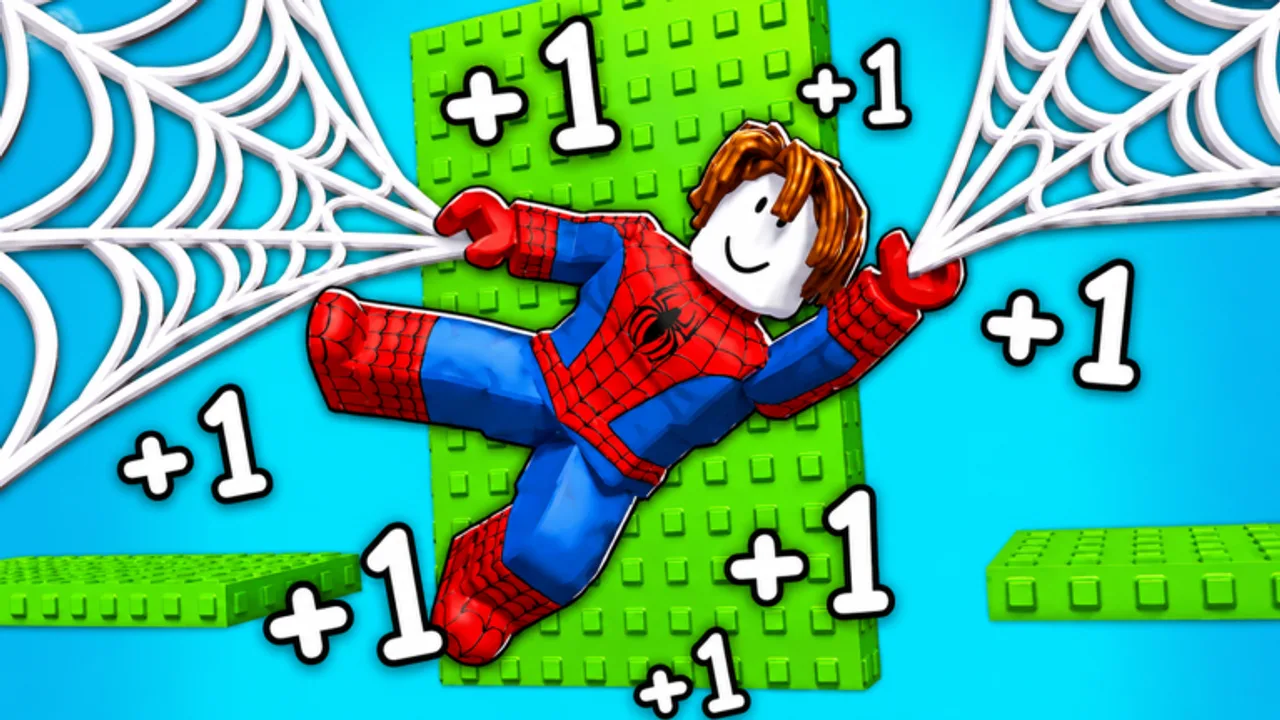
Promo codes for +1 Web Swing Escape do not live in a public Trello. They show up in Shop and they get announced in the official Discord. This page is how to join, where to look, and how that feed connects to this wiki. The mid-article video is a real join tutorial for this community.
Invite
Use the verified invite: discord.com/invite/z4U6UzQpax. Bookmark Official Links if you lose it. Do not follow random “free Speed” servers that ask you to download an executor as a verification step.
After you join
- Complete Discord’s membership screen if the server uses one.
- Open Announcements (or the pinned equivalent). New codes and update windows land there first.
- Mute everything except announcements if you only want codes.
- Cross-check any code on the Codes Hub before you spam Shop. Typos in chat copies are common.
If a screenshot shows a code this wiki has not listed yet, redeem it in-game. If it works, it is real. If it is Invalid, it is already dead or it was never a code. Code History explains that message.
Why Discord beats waiting for articles
Numbered updates arrive about every five days. World 2 arrived in Update 3.0. World 3 is listed as Update 4.0. Thursday Admin Abuse pins also land here — Admin Abuse. Codes often ride those drops. A wiki can lag a few hours. Discord is minutes. Still use this site for redemption order, Speed versus Wins splits on Codes by Reward, and for Patch Notes written as a timeline.
What not to do in Discord
- Do not paste scripts. That belongs on an alt and on the Scripts Hub, not in a family-friendly game server.
- Do not beg staff to restore an expired code. They will not.
- Do not trust DMs that “verify” you with a Roblox login page.
Pair with in-game group rewards
The experience asks you to like the game and join the group for rewards. That is a Roblox group action, not a Discord role. Do both: group on the Roblox page, Discord for text announcements.
Play loop after a ping
New code ping → Shop redeem → back to Speed Training or World 2 Guide if the patch also opened content. If the ping is a QoL note (24 August 2026-style swing/UI/collision work), you may not get a code; you still rejoin so you are on the new client.
New players should still read Getting Started so they know where Shop is. Racers can ignore Discord until they care about codes. Speed-max players should not ignore it at all.
If the invite link ever 404s, check the Roblox experience description and this wiki’s Official Links page for a replacement. We will not invent a second URL.
How this wiki uses Discord
We treat announcements as a hint, then we try Shop. If Shop accepts the string, it goes on the Codes Hub. If Shop refuses, it stays off the live table even if twenty people paste it. That is why Code History looks empty compared with clickbait archives: empty is honest. Patch talk in Discord is noisier. We only promote dates we can source on Patch Notes — launch, Update 3.0 World 2, 24 August 2026 QoL, Update 4.0 World 3, Admin Abuse 4.5, Update 5.0 World 4. Everything else is “rejoin and see.”
If you are in the server only for scripts, you are in the wrong channel and probably on the wrong account. Loadstrings belong on the Auto Farm Script page with a warning, not in general chat. If you are in the server only for friends, you can still race them in-game (Multiplayer Races) without reading a single pin. If you are in the server because you want to be early on every lump of Speed, mute the rest and leave announcements on. That is the whole guide.
Frequently Asked Questions
Quick answers to the most common questions.
Is this the official Discord?
It is the invite used by major code roundups for +1 Web Swing Escape (discord.gg/z4U6UzQpax).
Do I need Discord to play?
No. You need it if you want codes at announcement speed.
Can I redeem codes in Discord?
No. Copy them, then paste in the in-game Shop Codes box.
Is there a Trello?
No public Trello showed up in research. Discord plus this wiki is the tracker.