+1 Web Swing Escape Working Codes
Claim free Speed and Wins before a milestone code disappears.
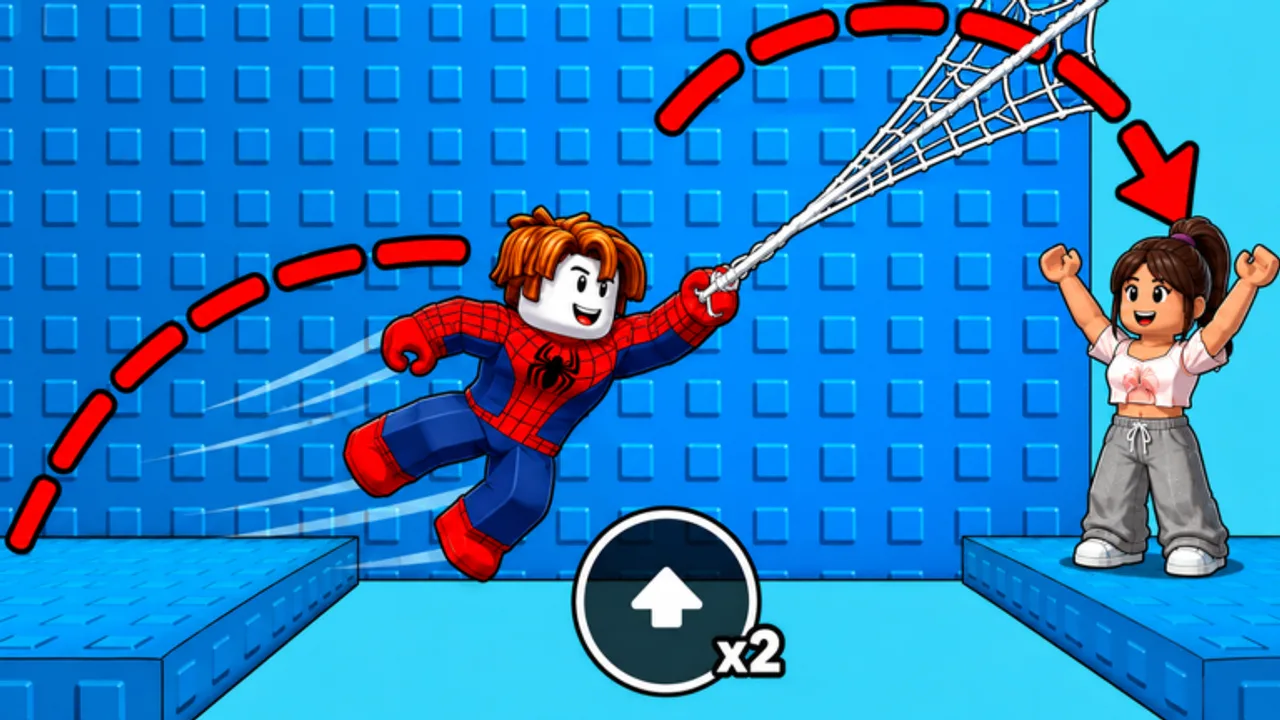
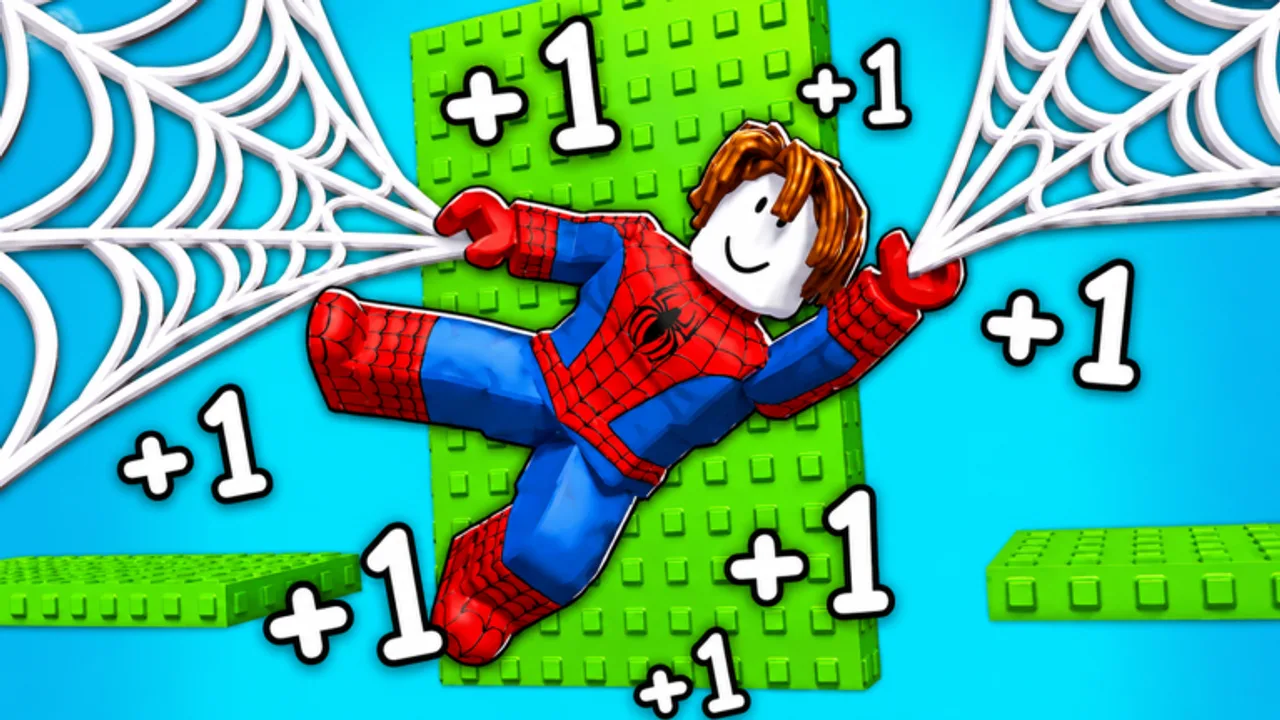
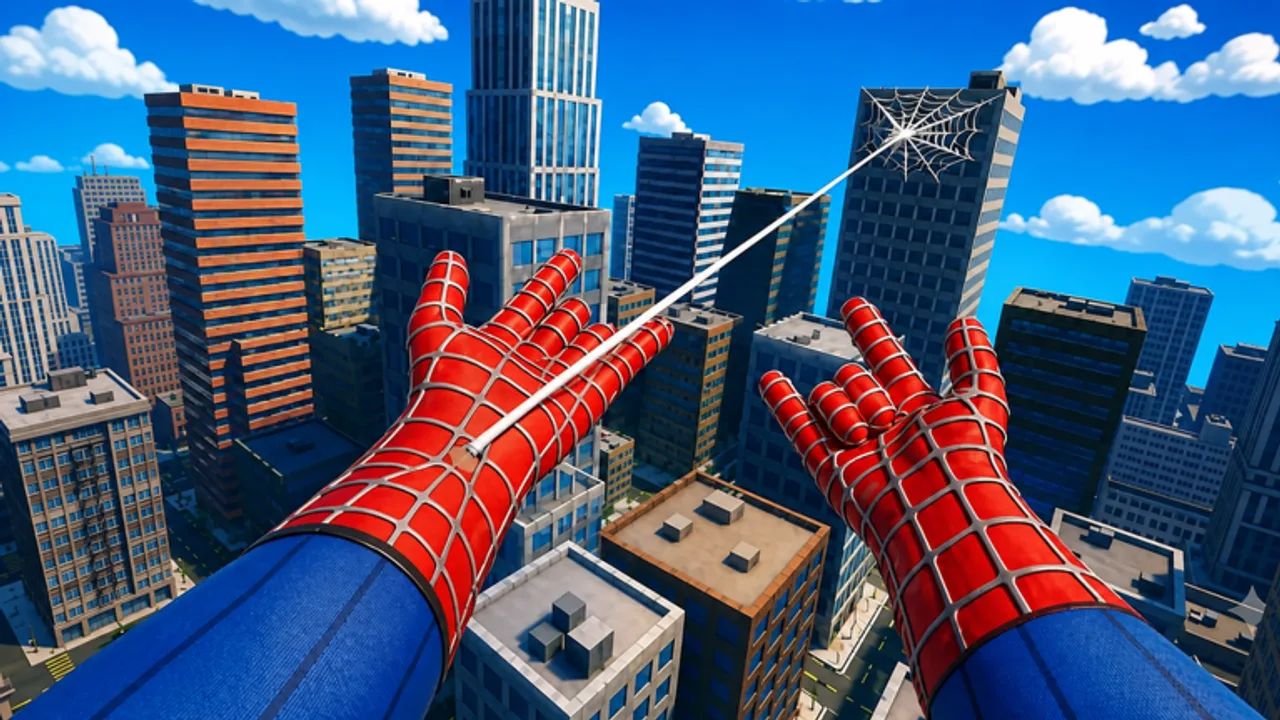
Use every working code below to grab free Speed and Wins in +1 Web Swing Escape. Speed is the stat you earn every time you move and swing. Wins are the currency you spend on suits and later-world progress. Codes skip a large chunk of the early grind, so redeem them the moment you load in.
This hub is the live list. For retired codes and drop patterns, open Code History. For a Speed-versus-Wins split, open Codes by Reward.
Active Codes (Checked August 2026)
Most public trackers still listed seven working codes in mid-August. A 24 August 2026 Sportskeeda check marked CITY and WINNER expired. Try the rest; if Shop says Invalid, skip and keep going. Rewards are account resources, not timed boosts — once they land, they stay on that Roblox account.
| Code | Reward | Notes |
|---|---|---|
| SPEED | 5,000 Speed | Still listed live |
| SWING | 10,000 Speed | Still listed live |
| LAUNCH | 300 Wins | Still listed live |
| WELCOME | 100 Wins | Still listed on some trackers |
| RACE | 200 Wins | Still listed live |
| WINNER | 8,000 Speed | Reported expired 24 Aug 2026 |
| CITY | 500 Wins | Reported expired 24 Aug 2026 |
If SPEED, SWING, LAUNCH, WELCOME, and RACE all work: 15,000 Speed and 600 Wins. If all seven still work on your account: 23,000 Speed and 1,100 Wins.
How to Redeem Codes
- Launch +1 Web Swing Escape on Roblox and wait until your character and HUD finish loading.
- Open the Shop button on the left side of the screen.
- Scroll to the bottom of the Shop until you see the Codes field (
Enter code...). Some sessions show a dedicated Codes control near the music icon; both routes lead to the same box. - Paste one code. Keep the all-caps spelling. Avoid a trailing space.
- Press Enter. Rewards apply immediately if the code is valid and unused on this account.
- Repeat for every remaining code.
Each Roblox account can redeem a given code once. Alts can claim the same list independently.
Redeem Order
Redeem all of them. If you want a priority for the first minute:
- SWING then WINNER — 18,000 Speed so longer gaps become realistic sooner.
- SPEED — another 5,000 Speed.
- CITY, LAUNCH, RACE, WELCOME — 1,100 Wins for shop suits and World 2 prep.
Codes do not replace training. After you claim them, keep moving. The official loop is still +1 Speed per movement action plus web swinging. Pair this list with How to Get Speed Fast and the Speed Training routine.
What Speed and Wins Actually Do
Speed is the core run stat. Official copy is blunt: you gain +1 Speed every time you move, you pick up extra web shooters to swing, and one wrong landing can send you back to the start. Extra Speed makes swings cover more distance, which is how you stay on platforms instead of resetting. Speed codes are the only instant shortcut that does not require a clean clear.
Wins (sometimes called trophies in community write-ups) come from finishing routes and stepping on platform reward buttons. You spend Wins on suits. Official text calls those suits powerful, and training/rebirth/trail/quest systems sit next to them in the shop loop. Do not treat a suit as a vanity-only skin if the shop prices it in Wins — higher-tier suits are part of how you train Speed faster. The Suits Hub and Tier List Hub explain how to spend without wasting the 1,100 Wins from codes.
Where New Codes Appear
Grappling Games does not publish a calendar. New codes usually land with visit milestones, numbered updates (World 2 shipped in Update 3.0), and community events. The fastest public channel is the official Discord: join the Grappling Games Discord. The Discord guide shows how to find announcement pins. The Roblox experience description is also updated after larger drops. Bookmark this hub and the Updates Hub after every patch.
Common Redemption Failures
- Trailing space. The field treats spaces as characters. Copy from the table, do not retype from a screenshot.
- Chat instead of Shop. Typing a code into Roblox chat does nothing.
- Already redeemed. One claim per account. Switch accounts if you play on an alt.
- Stale session. Leave and rejoin the experience, then try again once.
- Retired code. Invalid after a clean paste means the code is gone. Check Code History.
After You Redeem
Do not stand still in the lobby. Movement still pays +1 Speed. Learn inputs in Controls, then run a real course with the Walkthrough. If you already have a Speed buffer from codes, read the World 2 Guide before you burn attempts on the second world. After that, World 3 Guide and World 4 Guide. Competitive players should also skim the Leaderboard Guide.
Scripts that auto-claim playtime or auto-buy suits are a separate risk; if you insist on automation, read the Scripts Hub safety notes first. Manual play plus this code list is the account-safe path.
For tools that turn 23,000 Speed into a daily plan, use the Speed & Wins Calculator. For patch timing, stay on Patch Notes.
Frequently Asked Questions
Quick answers to the most common questions.
What are the latest +1 Web Swing Escape codes?
As of late August 2026 the live core is SPEED, SWING, LAUNCH, RACE, and often WELCOME. CITY and WINNER were marked expired on 24 August. Redeem in Shop.
How do I redeem codes?
Open Shop on the left, scroll to the Codes box, paste one code, and press Enter. Do not paste into chat.
Do codes expire?
Yes, without a countdown. Claim them as soon as you see them here or in Discord announcements.
Can I redeem the same code on two accounts?
Yes. Each Roblox account can claim each code once.
Should I redeem Speed codes or Wins codes first?
Redeem Speed codes (SWING, WINNER, SPEED) first so your next run covers longer gaps, then claim the Wins codes for suits.