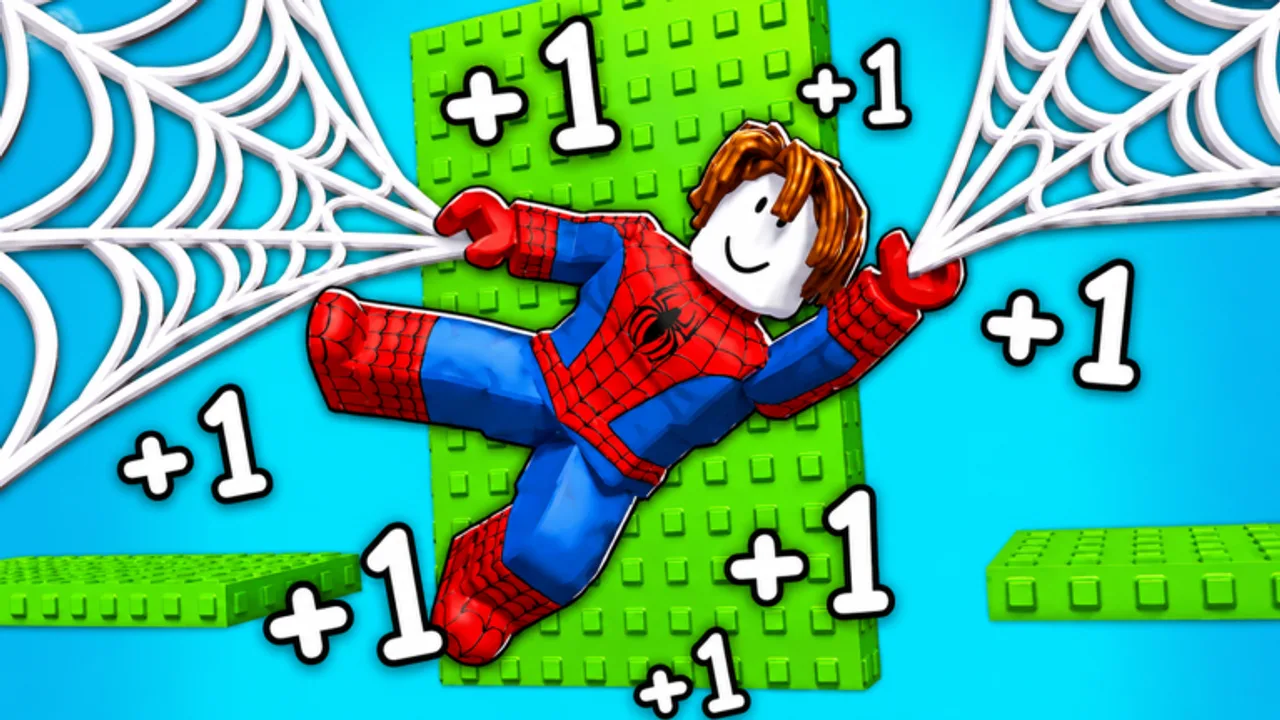
+1 Web Swing Escape Controls Guide
Aim high, release late, and keep the camera on the next attach.
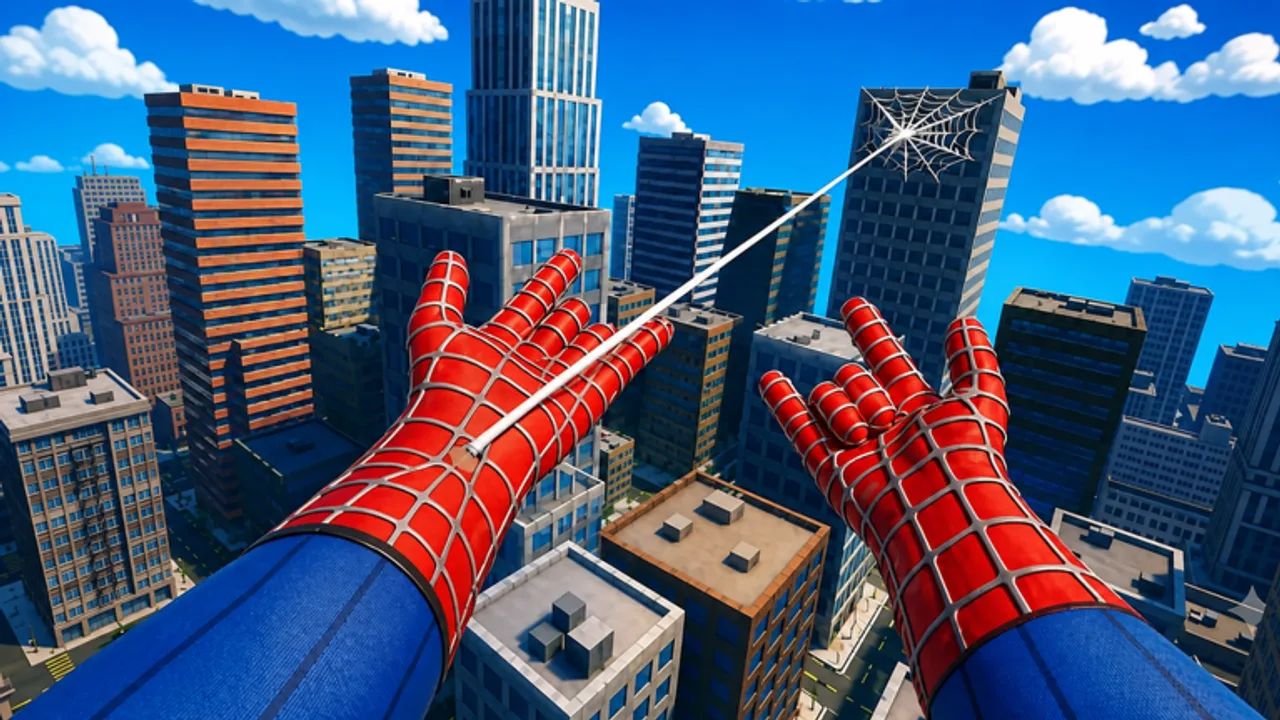
Every input in +1 Web Swing Escape is trying to do the same job: keep you moving so Speed ticks, and keep you attached so you do not trigger the official full reset. This page is platform inputs plus web timing. Course strategy is the Walkthrough. Speed stacking is How to Get Speed Fast.
Movement basics
Three verbs: run, jump, web. Running in the lobby still pays +1 Speed per movement. Jumping sets height for a cleaner attach. The web shooter is how you cross gaps the run button cannot. Fire where the camera looks. If the camera is at the floor, the web is at the floor, the swing is short, and the reset is likely.
PC
- W A S D — move.
- Space — jump. A second press may double-jump depending on your current kit.
- Mouse — look. This is aim.
- Left click (typical) — fire web. Some binds use a keyboard key; check Roblox settings if click does nothing.
- Release — press fire again or wait for the automatic detach at the end of the arc. Releasing near the peak keeps forward speed.
PC is the precise platform. If you can play here, learn here, then take the muscle memory to mobile.
Mobile
- Left joystick — move.
- Jump button — right cluster.
- Web button — large action button; tap, do not mash.
- Swipe the right half of the screen (outside the joystick) to look.
Touch is slower. Aim, then fire. Fast swipes while firing is how mobile players miss the platform they could have hit. After a fail, do not spin the camera a full circle; re-center on the next high point and go.
Console
- Left stick — move. Right stick — look.
- Face button (A / Cross) — jump.
- Right trigger is the usual fire analog; confirm in the experience if your pack remapped it.
Stick aim needs a slightly earlier look than mouse. Start turning toward the next attach before you release the current web.
Web shooter sequence
- Look at a high solid surface, not the void, not a moving hazard if you can wait one beat.
- Fire. Confirm the line exists before you walk off the platform.
- Ride the arc. Do not add random jump inputs that kill the swing.
- Release at the high point toward the landing.
- Immediate next fire if you are still airborne and a second attach is visible.
Ground attaches are beginner traps. They feel safe and they stall you. Beginner Mistakes lists the rest.
Camera habits
The web goes where you look. Keep a little extra space around the character so you can see the next platform. Pull the camera back on PC with the scroll wheel if the default is too tight. In races, glance at other players but do not let their camera fight become your camera fight — Multiplayer Races.
High Speed
Controls do not change. Timing windows shrink. At high Speed you must look earlier. If you start overshooting landings, you are not under-geared, you are late. Slow the camera, not the character — you cannot slow the character without standing still, and standing still wastes Speed.
Shop and menus
Open Shop with the left HUD button. Codes are at the bottom of that window (see Codes). Do not bind fire to the same key you use to confirm Shop or you will shoot while redeeming. Remap in Roblox settings if that happens.
Practice block
Ten minutes: only high attaches, only peak releases, ignore Wins. Then one real attempt using the Walkthrough. If World 2 is already unlocked, do not practice new binds there; stay in the first world until the shooter feels boring. Getting Started is the session wrapper. Speed Training is the longer grind. World 2 Guide waits until landings are consistent.
Group rewards for liking the game and joining the group do not change binds. They just add a reason to open the Roblox page linked from Official Links.
Frequently Asked Questions
Quick answers to the most common questions.
Can I remap keys?
Yes, through Roblox settings. The experience follows the standard Roblox layout.
Where does the web fire?
Where the camera is aimed. Look at the attach point, then fire.
Is PC required?
No. Mobile and console work. PC is simply more precise for web aiming.
Why do I keep attaching to the floor?
Your camera is pointed down. Lift the look, then fire.